AI PCs Explained: Your Ultimate Guide to Next-Gen AI Laptops & The Future of Computing

The world of personal computing is in the midst of its most significant transformation in over 30 years. You’ve likely heard the buzzwords: “AI PC,” “Copilot+,” “on-device AI.” But what do they actually mean? This isn’t just another incremental upgrade; it’s a fundamental reimagining of what our devices can do for us. We’re moving from computers that simply follow commands to intelligent partners that anticipate our needs, enhance our creativity, and protect our privacy.
If you’re feeling a bit lost in the sea of new terminology, you’re not alone. The shift to AI PCs represents a new era, promising unprecedented performance, efficiency, and genuinely helpful AI features built directly into your machine. From the powerful new Snapdragon X Elite processors to Microsoft’s ambitious Copilot+ PCs initiative, the landscape is evolving at lightning speed.
This ultimate guide will cut through the hype and explain everything you need to know. We’ll explore what an AI PC is, what makes it different from your current laptop, the incredible on-device AI benefits, and who the key players are. By the end, you’ll understand how these next-gen AI computers work, what you can do with them, and whether your next purchase should be one of the best AI laptops of 2024.
What Exactly is an AI PC? (And What Makes it Different?)
At its core, an AI PC is a computer specifically designed with dedicated hardware to accelerate artificial intelligence and machine learning (ML) tasks directly on the device, rather than relying solely on the cloud. While your current computer can run AI applications, it does so using its general-purpose processors (the CPU and GPU), which is often slow, inefficient, and drains your battery.
The game-changing component in an AI PC is the NPU, or Neural Processing Unit.
Beyond the CPU and GPU: The Rise of the NPU
Think of a modern computer as having a team of specialized workers.
- CPU (Central Processing Unit): The brilliant-but-versatile manager. It handles all the general-purpose instructions and system operations, making it a jack-of-all-trades.
- GPU (Graphics Processing Unit): The parallel-processing powerhouse. Originally for rendering graphics, its ability to handle many tasks at once makes it great for gaming, video editing, and even some large-scale AI processing.
- NPU (Neural Processing Unit): The new AI specialist. This is the secret sauce of an AI PC. The NPU is a dedicated processor designed exclusively for the low-power, high-efficiency calculations needed for AI and machine learning tasks.
By offloading AI workloads to the NPU, the CPU and GPU are freed up to do what they do best. This “three-brained” approach makes the entire system faster, more responsive, and significantly more power-efficient. The key performance metric for an NPU is TOPS, which stands for Trillions of Operations Per Second. The higher the TOPS, the more capable the NPU is at handling complex AI tasks.
The AI PC vs. Traditional PC: A Clear Comparison
So, how does this new breed of computer stack up against the laptop you’re likely using now? Let’s break down the key differences.
| Feature | Traditional PC | AI PC |
|---|---|---|
| Core Hardware | CPU, GPU | CPU, GPU, and NPU (Neural Processing Unit) |
| Performance Focus | General-purpose speed (CPU), Graphics (GPU) | AI-task efficiency (NPU), balanced system performance |
| Key Tasks | Web browsing, office apps, gaming, video editing | All traditional tasks, plus real-time AI features |
| AI Processing | Relies on CPU/GPU or the cloud (slower, less efficient) | Handled by the dedicated NPU (fast, efficient, offline) |
| Battery Life | Standard | Often significantly longer due to NPU efficiency |
| Software Experience | Standard OS features | Integrated AI features (e.g., Windows Studio Effects, Recall) |
The most important takeaway is that AI PCs don’t replace traditional computing; they enhance it. They perform all the functions of a normal PC but with an added layer of intelligence that operates seamlessly in the background to make your experience faster, smoother, and more intuitive.
The On-Device AI Revolution: Why Local Processing is a Game-Changer
For the last decade, the most powerful AI experiences, like ChatGPT or Midjourney, have lived in the cloud. You send a request over the internet, a massive data center processes it, and you get a response. AI PCs are leading the charge for “on-device AI,” and it’s a revolution for several key reasons.
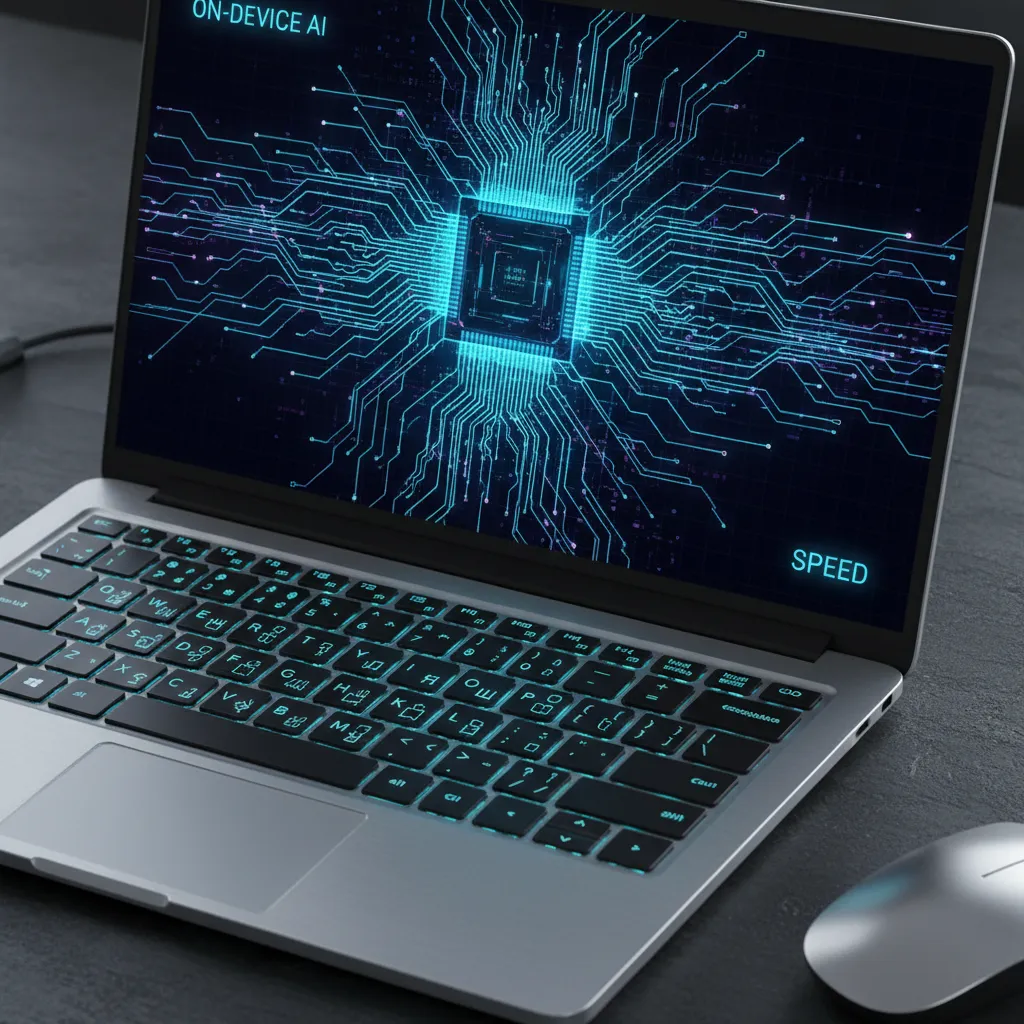
Key Benefits of On-Device AI
Running AI locally on your machine isn’t just a technical novelty; it provides tangible benefits that will change how you use your computer.
- Blazing Speed & Lower Latency: With on-device AI, there’s no round-trip to the cloud. Your requests are processed instantly. Imagine real-time language translation during a video call or an AI assistant that responds immediately—that’s the power of local processing.
- Enhanced Privacy & Security: This is a huge one. When AI tasks are processed on your device, your personal data—documents, emails, photos, conversations—never has to leave your machine. This is a massive win for privacy in an increasingly connected world.
- Full Offline Capability: No Wi-Fi? No problem. On-device AI features work on a plane, in a coffee shop with spotty internet, or anywhere else. Your AI assistant, photo editing tools, and real-time captions are always available.
- All-Day Battery Life: The NPU is a marvel of efficiency. By handling constant AI workloads at a fraction of the power cost of a CPU or GPU, it dramatically extends battery life, allowing you to work and create for longer without being tethered to an outlet.
- Reduced Costs: Cloud-based AI services often come with subscriptions. While these won’t disappear, many powerful, day-to-day AI features will be built into your PC’s cost, saving you money in the long run.
Meet the Contenders: The Major Players in the AI PC Arena
The race to dominate the AI PC market is on, with every major tech giant throwing its hat in the ring. Here’s a look at the key players and their strategies.
Microsoft’s Vision: The Copilot+ PC
Microsoft is leading the software charge with its new Copilot+ PC designation. This isn’t just a marketing term; it’s a new standard for Windows AI PCs. To earn the Copilot+ badge, a laptop must meet stringent hardware requirements:
- A powerful NPU capable of at least 40 TOPS.
- A minimum of 16GB of RAM.
- At least 256GB of SSD storage.
These specifications ensure the device can run a new suite of exclusive, powerful on-device AI experiences in Windows 11. These include Recall, which lets you search for anything you’ve ever seen on your screen using natural language; Cocreator in Paint for real-time generative AI image creation; and advanced Windows Studio Effects that offer superior background blur, lighting correction, and voice focus for video calls. Related: GPT-4o vs. Project Astra: The Future of AI
Qualcomm’s Power Play: The Snapdragon X Elite
The first wave of Copilot+ PCs is exclusively powered by Qualcomm’s groundbreaking Snapdragon X Elite and X Plus processors. These chips are built on an ARM architecture, similar to Apple’s M-series chips, prioritizing incredible performance-per-watt. The Snapdragon X Elite boasts a formidable 45 TOPS NPU, easily exceeding Microsoft’s requirements and delivering the power needed for next-gen AI experiences while enabling multi-day battery life. This move also signifies a major push for Windows on Arm, with a powerful new emulator, Prism, ensuring that nearly all your existing Windows apps run seamlessly.
Intel’s Answer: Core Ultra and “Lunar Lake”
Intel, a long-time leader in the PC market, is all-in on AI. Their Intel Core Ultra processors, launched in late 2023, were the first to feature an integrated NPU, kicking off the AI PC trend. While the first generation doesn’t meet the 40 TOPS requirement for Copilot+, Intel’s next-generation architecture, codenamed “Lunar Lake,” is set to deliver a massive leap in AI performance, promising over 100 platform TOPS and positioning Intel-powered devices to be leading Copilot+ PCs in the near future.
AMD’s Strategy: Ryzen AI
AMD is another major force, having integrated AI accelerators into its processors with Ryzen AI. Their current-generation chips power a range of capable AMD AI PCs. Like Intel, their next generation of processors, codenamed “Strix Point,” is where the magic will happen. These upcoming CPUs are designed to triple the company’s previous AI performance, comfortably surpassing the 40 TOPS threshold and setting the stage for a fierce three-way competition in the Windows AI PC market.
Apple’s Silent Lead: The M-Series Neural Engine
While the “AI PC” term is new, the concept isn’t. Apple has been building powerful on-device AI hardware into its chips for years. The Neural Engine, Apple’s name for its NPU, has been a core part of its M-series silicon since the beginning. Features like Live Text in photos, Visual Look Up, and advanced Siri processing already leverage this hardware. With the recent announcement of the incredibly powerful Apple M4 AI chip and the introduction of Apple Intelligence, the company is poised to bring even more advanced generative AI features to its ecosystem, solidifying its position as a major player in on-device AI. Related: Apple Intelligence: All The New AI Features and Supported Devices and Related: iPad Pro M4 Review: The Ultimate Creative Tool.
What Can You Actually Do With an AI PC? Real-World Applications
Okay, the technology is impressive, but what does it mean for you? How will an AI PC change your daily workflow? Let’s look at some practical examples.
For Productivity and Business Professionals
For those who use their laptops for work, the benefits will be immediate and profound. AI PCs are set to become the ultimate productivity AI laptops.

- Smarter Meetings: Imagine your PC providing real-time transcription and translation during a video call, so you never miss a detail. Enhanced Windows Studio Effects will ensure you always look and sound your best with automatic framing, eye contact correction, and superior noise cancellation.
- Email on Autopilot: Your email client will be able to summarize long threads, draft professional replies in your tone of voice, and help you manage your inbox more efficiently.
- Intelligent Search: With features like Microsoft’s Recall, you can find a document, email, or website by just describing what you remember about it. The AI understands the context, not just keywords.
For Creators and Artists
If you’re a content creator, an AI PC for creators is a game-changer, accelerating your workflow and unlocking new creative possibilities.
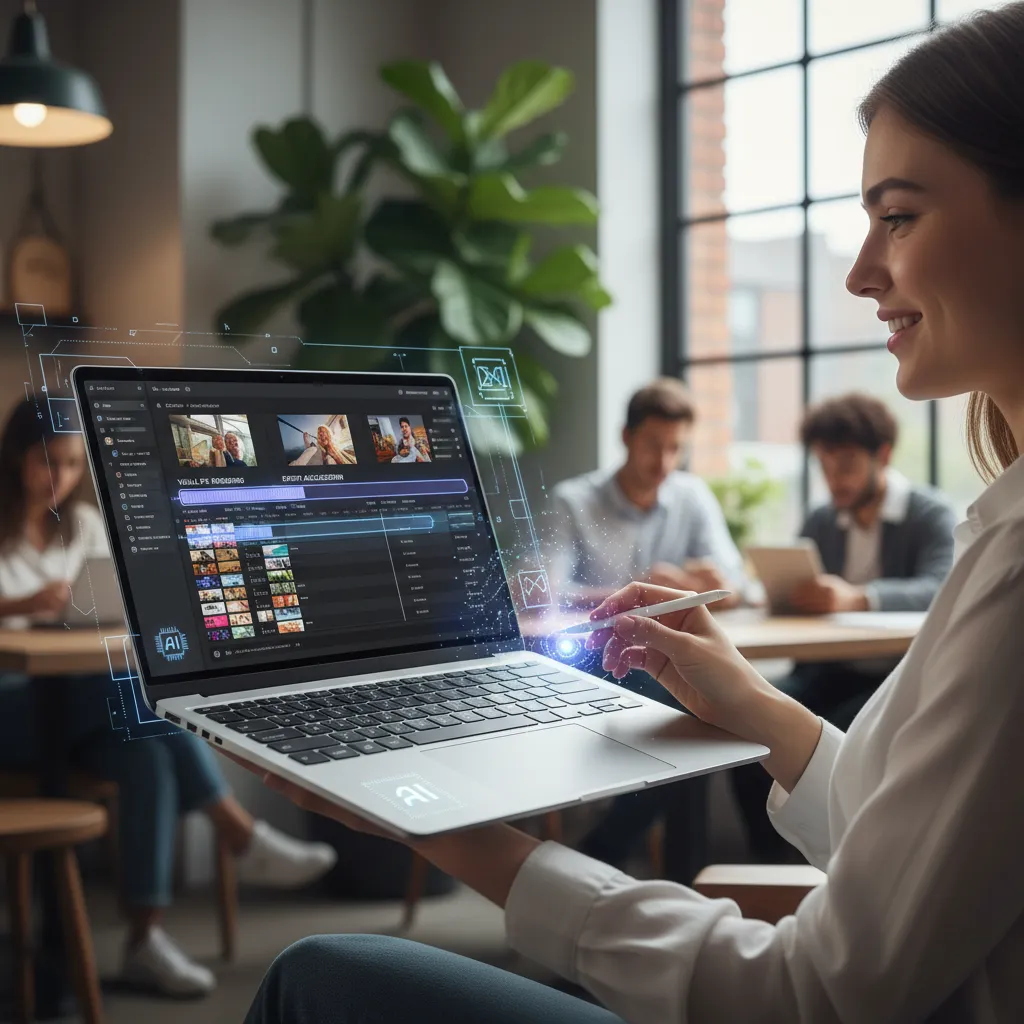
- Generative AI at Your Fingertips: Create stunning images and graphics from simple text prompts directly within apps like Paint or Adobe Photoshop, without needing an internet connection. Related: OpenAI’s Sora: The Future of AI Text-to-Video Generation.
- AI-Accelerated Editing: Video and photo editing software will leverage the NPU to perform complex tasks in record time. Think instant object removal, automatic color grading, and AI-powered rotoscoping that takes seconds instead of hours.
- Music and Audio: The NPU can power tools that isolate vocals, clean up background noise from audio recordings, or even help you generate royalty-free background music for your projects.
For Gaming and Entertainment
While the initial focus is on productivity and creation, AI PCs for gaming also hold immense potential. The NPU can handle AI-driven tasks like upscaling graphics and rendering non-player characters (NPCs), freeing up the CPU and GPU to push more frames for a smoother, more immersive experience. Expect to see smarter enemies, more realistic worlds, and better overall AI PC performance in future game titles.
Buying Guide: Should Your Next Laptop Be an AI PC?
With the first wave of Copilot+ PCs hitting the market, the big question is: should you upgrade now?
Who Needs an AI PC Right Now?
The earliest adopters who will see the most significant immediate benefits are:
- Business Professionals and Students: Anyone who spends their day in meetings, writing documents, and managing communications will find the productivity boosts invaluable.
- Content Creators: The speed enhancements in creative apps and the new on-device generative AI tools can dramatically improve workflows.
- Developers: Those building the next generation of AI applications will need these devices to test and optimize their software.
- Tech Enthusiasts: If you love having the latest and greatest technology, the AI PC represents the new frontier of personal computing.
For the average user who primarily browses the web, streams media, and does light office work, the need isn’t as urgent. However, as more software is developed to take advantage of on-device AI, these features will quickly become indispensable for everyone.
What to Look For in 2024
If you’re ready to make the leap, here’s what our buying guide for AI laptops recommends:
- The Copilot+ Badge: For Windows users, this is the easiest way to guarantee you’re getting a top-tier AI experience that will be supported with exclusive features for the foreseeable future.
- NPU Performance (TOPS): Look for devices with at least 40 TOPS to meet the Copilot+ standard. More is better and will future-proof your investment.
- RAM and Storage: 16GB of RAM and a 256GB SSD are the new baseline. For creative work or heavy multitasking, consider 32GB of RAM.
- Ecosystem: Consider which platform—Windows or macOS—best suits your existing devices and workflow.
AI PC Pricing: What to Expect
The first AI PC laptops, particularly the Copilot+ models, are positioned as premium devices, with AI PC pricing starting around the $999 mark and going up from there, competitive with other high-end ultrabooks. Over time, as the technology becomes more mainstream, we can expect to see prices come down and NPUs become a standard feature in all laptops.
The Future of Personal Computing is Hybrid and Intelligent
The launch of the AI PC isn’t an endpoint; it’s the starting gun for a new race. The future of personal computing will be defined by a seamless blend of on-device and cloud AI. Your PC will handle immediate, private tasks locally, while tapping into the immense power of the cloud for more complex operations. This hybrid approach offers the best of both worlds: the speed and privacy of the NPU with the scale and power of cloud computing. Related: SLMs Explained: The Future of On-Device AI.
We are at the dawn of an era where our computers will become true partners—proactive, predictive, and deeply personal. They will learn our habits, streamline our workflows, and unlock creative potential we haven’t yet imagined.
Conclusion
The transition to AI PCs is the most exciting and disruptive shift in the industry since the advent of the internet. It marks the move from tools that we operate to intelligent companions that collaborate with us. Defined by the power and efficiency of the Neural Processing Unit (NPU), these next-gen AI computers deliver a faster, more secure, and longer-lasting computing experience.
Whether it’s a Microsoft Copilot+ PC powered by the Snapdragon X Elite, a future device from Intel or AMD, or Apple’s latest MacBooks with Apple M4 AI, the core principle is the same: bringing the power of artificial intelligence directly to your fingertips, securely and instantly. This isn’t just about flashy new features; it’s about fundamentally changing the human-computer relationship for the better. The future of laptops is intelligent, and it’s already here.
Are you excited about the potential of AI PCs? What features are you most looking forward to? Share your thoughts in the comments below!
Frequently Asked Questions (FAQs)
Q1. What is the main function of an AI PC?
The main function of an AI PC is to run artificial intelligence and machine learning tasks quickly and efficiently directly on the device. It uses a dedicated Neural Processing Unit (NPU) to handle these tasks, which improves performance, enhances privacy, and extends battery life compared to a traditional PC.
Q2. What is the difference between an AI PC and a normal PC?
The key difference is specialized hardware. An AI PC includes an NPU (Neural Processing Unit) in addition to the standard CPU and GPU. This allows it to perform AI-specific tasks like real-time translation or advanced image editing much faster and with less power consumption than a normal PC, which has to rely on its less-specialized CPU or GPU.
Q3. Is it worth buying an AI PC?
For professionals, content creators, and early adopters, buying an AI PC in 2024 is definitely worth it for the immediate performance and productivity gains. For casual users, it may not be essential today, but as AI becomes more integrated into operating systems and apps, AI PCs will soon become the standard for everyone.
Q4. Do AI PCs need the internet?
One of the biggest advantages of an AI PC is that many of its core AI features do not require an internet connection. Because it uses an NPU for on-device processing, features like real-time video effects, AI-powered search (like Recall), and generative AI can work completely offline, enhancing privacy and convenience.
Q5. What is an NPU in a laptop?
An NPU, or Neural Processing Unit, is a specialized processor designed specifically to accelerate AI and machine learning algorithms. It’s highly efficient at handling the millions of parallel calculations required for AI, doing so at a fraction of the power cost of a CPU or GPU, which is crucial for battery life and performance in a laptop.
Q6. What are Copilot+ PCs?
Copilot+ PCs are a new standard of Windows AI PCs defined by Microsoft. To qualify, a laptop must have a powerful NPU (at least 40 TOPS), 16GB of RAM, and a 256GB SSD. These devices get access to exclusive, next-generation on-device AI features within Windows, such as Recall, Cocreator, and advanced Windows Studio Effects.
Q7. Are MacBooks considered AI PCs?
Yes, absolutely. While they don’t use the “AI PC” marketing term, Apple’s MacBooks with M-series chips have included a powerful NPU, which they call the Neural Engine, for years. They leverage this hardware for many on-device AI features in macOS and are a major player in the on-device AI space, especially with the introduction of Apple Intelligence.